Guide
What is an AI coding agent, and how is it different from an assistant?
A plain-language definition, what an agent can touch, and what to check before giving one access to your repository.
At a glance
- Type
- Guide
- Evidence
- Editorial interpretation
- Written by
- Adam Green
Product descriptions blur two ideas that are worth separating. This guide defines them and lists what to check. It makes no claim about any specific product.
What is the difference between a coding assistant and a coding agent?
An assistant responds as you work: it completes lines, answers questions, or edits the file you are in. An agent is given a goal and decides which steps to take, such as searching files, editing several of them, running tests, and trying again. In practice many products combine both modes.
- Assistant: you drive, it suggests.
- Agent: you set a goal, it acts, you review.
- The more autonomy a tool has, the more its permissions and logs matter.
What can a coding agent access and change?
Ask what the agent can read (which files and folders), what it can run (shell commands, tests, network calls), and what it can change (local files, branches, remote repositories). Each answer sets the blast radius of a mistake.
How do I keep an agent's changes reviewable?
- Work on a branch so every change can be reverted.
- Prefer tools that show a diff before applying changes.
- Require approval before commands that delete, deploy, or send data.
- Keep logs of what the agent did, and check them when something looks wrong.
What should I check before giving an agent access to a repository?
- Where the code and prompts are sent, and whether they are retained or used for training.
- Whether administrators can set policy for a team.
- Whether secrets such as keys and tokens can be exposed to the agent.
- How the vendor documents its permission and approval model.
For a method to compare tools on your own code, see choosing a coding assistant. For definitions, see the glossary.
What does a coding agent actually do during a task?
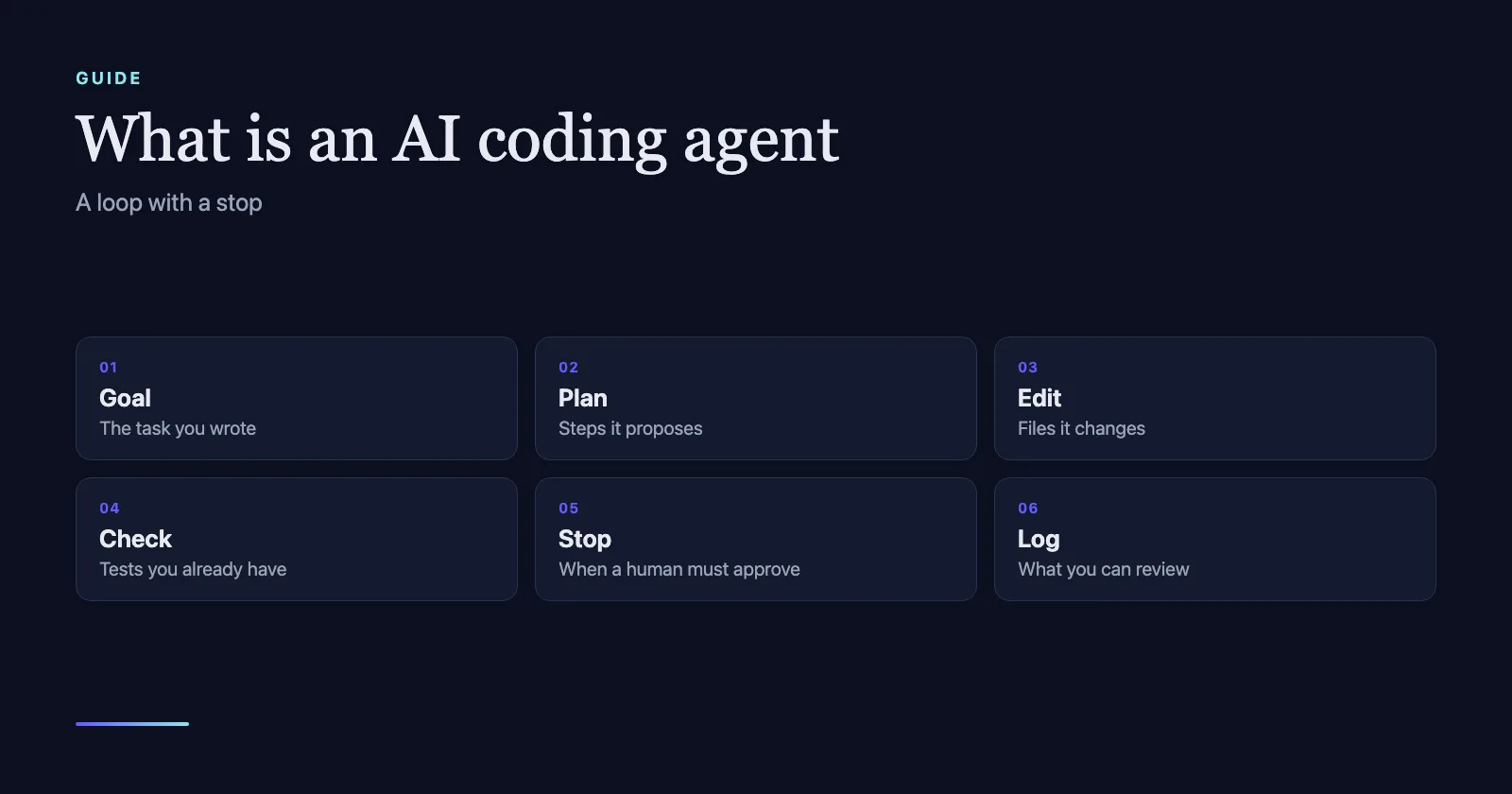
A coding agent repeats a loop: it reads context, proposes a step, takes the step, looks at the result and decides what to do next, until it stops or you do. The loop is the same whichever product runs it; what differs is which steps it may take without asking. This is our editorial description of a common pattern, not a statement about any one vendor's design.
A typical loop, and where you can intervene
- ReadThe agent searches or opens files to understand the task. Intervene by limiting which folders it can see.
- PlanIt decides on a sequence of edits and commands. Intervene by asking it to state the plan before acting.
- ActIt edits files or runs commands such as tests or builds. Intervene with approval prompts for anything that changes state.
- CheckIt reads test output or errors. Intervene by supplying the tests that define done.
- Repeat or stopIt retries, changes approach or hands back a result. Intervene with a step or time limit, and review the final diff.
How do I decide how much autonomy to allow?
Start with the least autonomy that still makes the trial useful, and move up one rung at a time. The table is a planning aid we wrote; it is not drawn from any product's settings.
| Rung | What the agent may do | Reasonable first use | Main risk to plan for |
|---|---|---|---|
| 1. Read only | Read files and answer questions | Learning an unfamiliar codebase | Sensitive files being read and sent to a model service |
| 2. Propose edits | Show changes as a diff you accept or reject | Small, well-understood fixes | Accepting a plausible but wrong change without reading it |
| 3. Edit and run checks | Change files and run tests in a branch or sandbox | Tasks with a strong test suite | Commands with side effects beyond the tests |
| 4. Act on remote systems | Push branches, open requests, call services | Only after rungs 1 to 3 have gone well | Changes that leave your machine and are hard to undo |
What does a careful first trial look like in practice?
A careful trial uses a task you already understand, in a throwaway branch, with the success check written first. The scenario below is an illustration of method; the numbers and outcomes are invented for the example and describe no real run.
- Pick a small, known bug in a non-production repository, for example a failing unit test whose cause you already know.
- Write down the pass condition before you start: the named test passes and no other test newly fails.
- Create a branch, remove secrets from the working directory, and start at rung 2 or 3 of the ladder.
- Give the task in two sentences. Do not paste logs that contain tokens or customer data.
- When it finishes, read the full diff before you run anything. Note any file you did not expect it to touch.
- Run the test suite yourself, not only the agent's report of it.
- Record the tool, its version, the date, what you asked, and what you had to correct.
What are the common mistakes when adopting a coding agent?
- Granting broad access on day one because the demo looked smooth.
- Reviewing the agent's summary of its changes instead of the changes themselves.
- Letting a tool run with credentials that can reach production.
- Trusting passing tests that the agent itself wrote or edited. Check whether it changed the tests.
- Judging by one good run. Outputs vary, so repeat the task.
- Skipping the data questions: where code and prompts go, how long they are kept, and whether they are used for training.
Why does text the agent reads matter for safety?
Because an agent acts on what it reads, text from an untrusted place can try to steer it. Issue comments, web pages, package descriptions and files from outside contributors are all inputs. Security guidance from several bodies treats this as a known class of risk; we do not rate any product against it. Practical consequence: the more tools and network access an agent has, the more carefully you should limit what untrusted text it can read in the same session.
What evidence would settle whether an agent is right for my team?
| Question | Evidence that would settle it | Label until you have it |
|---|---|---|
| Does it fix our kind of bug? | Repeated runs on your own tasks with a pre-written pass condition | Unverified |
| Is it safe with our repository? | The vendor's documented permission model, plus your own test of what it can reach | Vendor-reported |
| Where does our code go? | The data terms for your exact plan, in writing | Vendor-reported |
| Is the review burden acceptable? | Minutes spent reviewing and correcting per task, measured by you | Independently measured, if you record it |
What should I do next?
- Compare tools on your own code with choosing a coding assistant.
- Understand the wider pattern in what is an agentic workflow.
- Ask the data questions in questions to ask about AI data retention and training.
- Check where a tool runs with hosted vs. self-managed questions.
- Read how we treat vendor statements in vendor claims vs. verified findings and our methodology.
Evidence in this article Editorial interpretation Our reading of what the evidence means. Judgment, clearly separated from the evidence itself.
Frequently asked questions
Is a coding agent the same as autocomplete?
No. Autocomplete suggests the next few tokens or lines as you type. An agent takes a task, plans steps, and acts on files or tools, usually returning a set of changes for you to review.
Are coding agents safe to run on a production repository?
Safety depends on the permissions you grant and the review you apply. Start with a branch or sandbox, require approval for commands that change things, and review every change before merging.
Do coding agents need internet or cloud access?
It varies by product. Some run locally and send prompts to a model service; others run in vendor-managed cloud environments. Read each vendor's documentation for how and where it runs.
Related reading
- Category: Coding & development
- Category: Agents & automation
Sources
This article is editorial analysis. It cites no external sources and contains no product performance claims, benchmark figures, or policy facts.